
Seamless carousel
Photos sit across the cuts between slides, so each swipe reveals the rest of the picture. Choose across-cuts, staggered or strip layouts.
Up to 10 slides · 4:5, 3:4 or 1:1
For Instagram carousels · grid splits · collages
Swipefold lays your photos across Instagram slides so each one runs over the cut and only appears whole when you swipe. Add captions, crop, preview, and save every slide at the exact size Instagram wants. Then turn your photos into Reels and Stories with music.
Free to try. No account needed.
Pick a mode, add your photos, and Swipefold handles the cutting, the sizes and the order you upload in.
Photos sit across the cuts between slides, so each swipe reveals the rest of the picture. Choose across-cuts, staggered or strip layouts.
Up to 10 slides · 4:5, 3:4 or 1:1
One photo becomes several posts that join up on your profile grid. Swipefold numbers them, so post 1 goes up first and the picture lands the right way round.
3×1 to 3×3, plus tall 1×3 · 1080 × 1440 tiles
Seventeen layouts, from stacked bands to mosaics. Set the spacing, border and corners, then add a title in plain, shadow or box style.
Post or Story sizes · drag to crop each photo
Eleven animations turn a set of photos into a short video, ready for Reels, Stories or a post. Add a song from your phone, and Swipefold can change photos right on the beat.
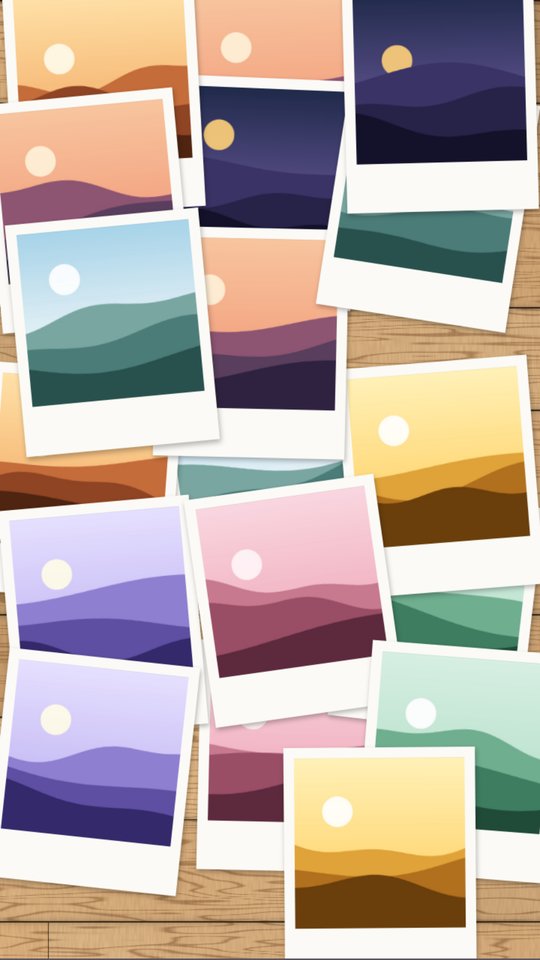

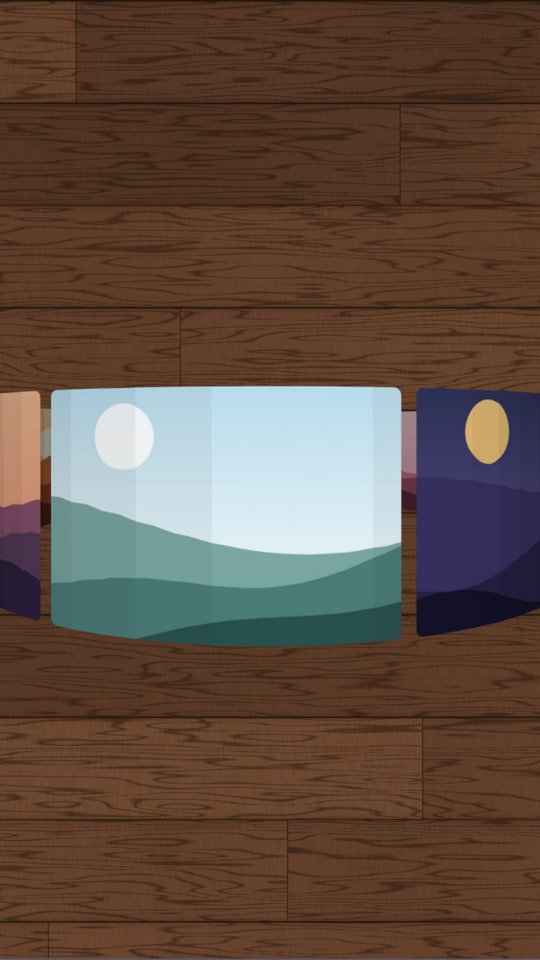
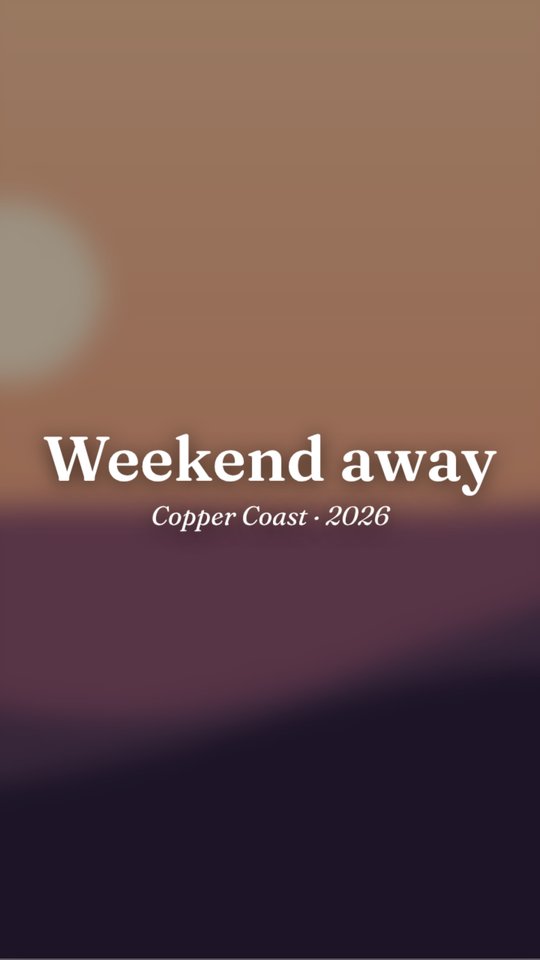
Swap tiles, Build up, Zoom in, Drift, Polaroid drop, Photo river, Film strip, 3D carousel, Shuffle deck, Split reveal and Before / after.
Pick a song and where it starts. Swipefold finds the tempo, fades out at the end and saves the sound into the video.
Oak, marble, linen and brick, plus seasons and holidays from Halloween to St Patrick's Day. Or use a photo of your own table.
Any carousel becomes a video in one tap: a swipe through the slides, or a smooth glide that slows down on each photo.
Small things that usually take ages to line up by hand.
Tick one box and every photo gets a caption, placed in the biggest empty space beside it, on the slide that holds most of the photo.
The first photo starts at the top of slide 1 and the last one rests on the bottom of the final slide, each showing at least 70% of itself.
Zoom and drag a photo inside its frame to choose exactly what shows, or set any shape you like.
Slides export at 1080 × 1350, and grid tiles at 1080 × 1440 to match the 3:4 profile grid, so nothing gets trimmed.
Save a look you like and reuse it in one tap. Your work saves itself, so you can pick up where you left off.
Save every slide to your photo library in order, or open the share sheet and send them to Instagram.
No account, no ads, no tracking, and no servers. Swipefold only sees the photos you pick, and everything happens on your device. Read the privacy policy